Queues
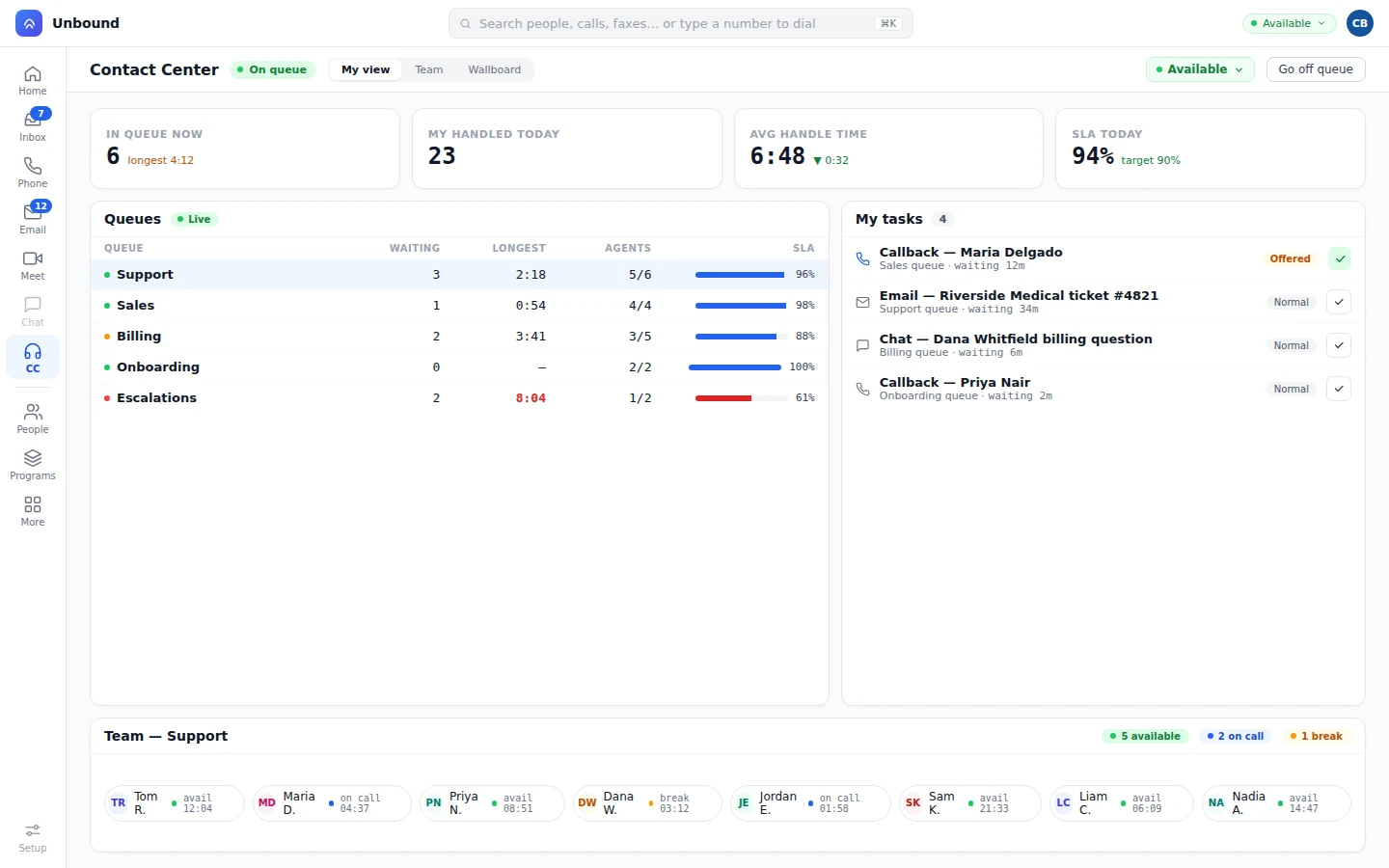
A queue per location, or one for all.
Each office gets its own queue and overflows to the others in the order you choose.
QueuesA patient calling your third location gets the same answer as your main office. Unbound puts your front desks on one queue, lets a bot take the routine calls, and keeps calls, texts, and faxes on the patient’s record.
100+ countries · Cloud, hybrid, or onsite · 1 to 1,000 seats
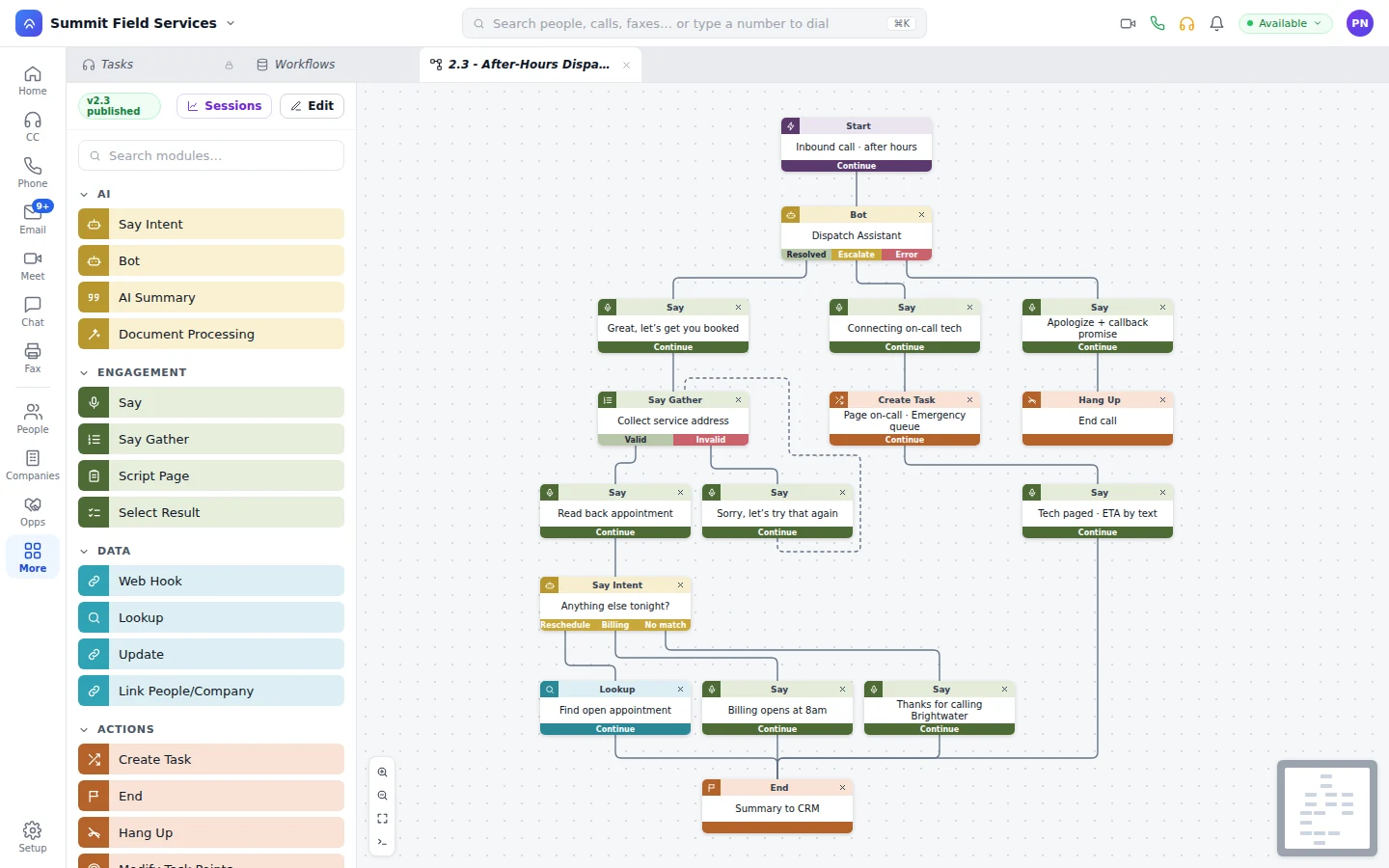
Before any office opens, a patient calls to move Thursday. The bot books Friday and texts the confirmation.
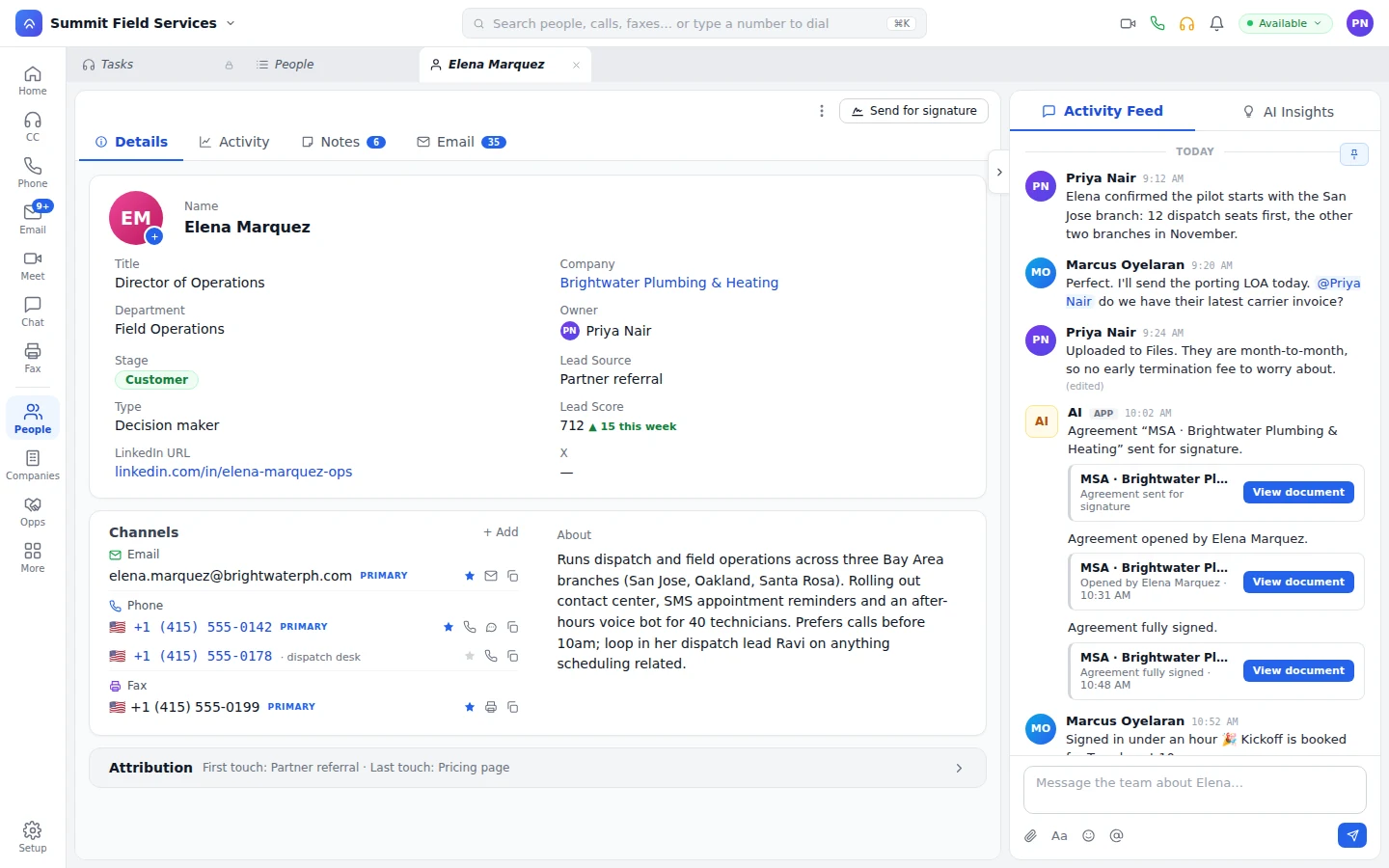
Downtown is slammed. A front desk at another location answers with the patient’s record and past calls already open.
A workflow reads the fax, files it on the patient, and opens a scheduling task. A bot texts the patient to book.
A patient describes chest pain. The bot follows your escalation rule and hands the call to the on-call clinician, transcript attached.
Before the doors open and after they close, a bot moves appointments and answers hours questions from your practice number. Symptoms follow your escalation rule to a person. How bots work the front desk
Route calls to whichever desk is open, so a patient calling a busy office still reaches a person.
Each office gets its own queue and overflows to the others in the order you choose.
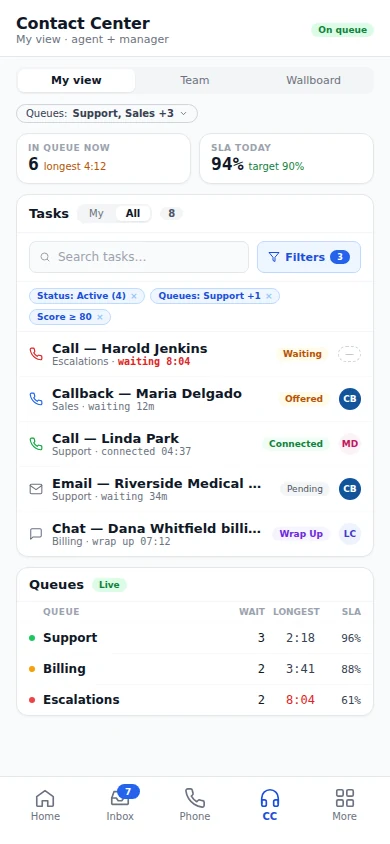
QueuesQueue depth, longest wait, and service level per location, live, on a board the manager pops out to any screen.
WallboardA Spanish-speaking patient reaches a Spanish speaker, and live translation covers voice, chat, text, and email.
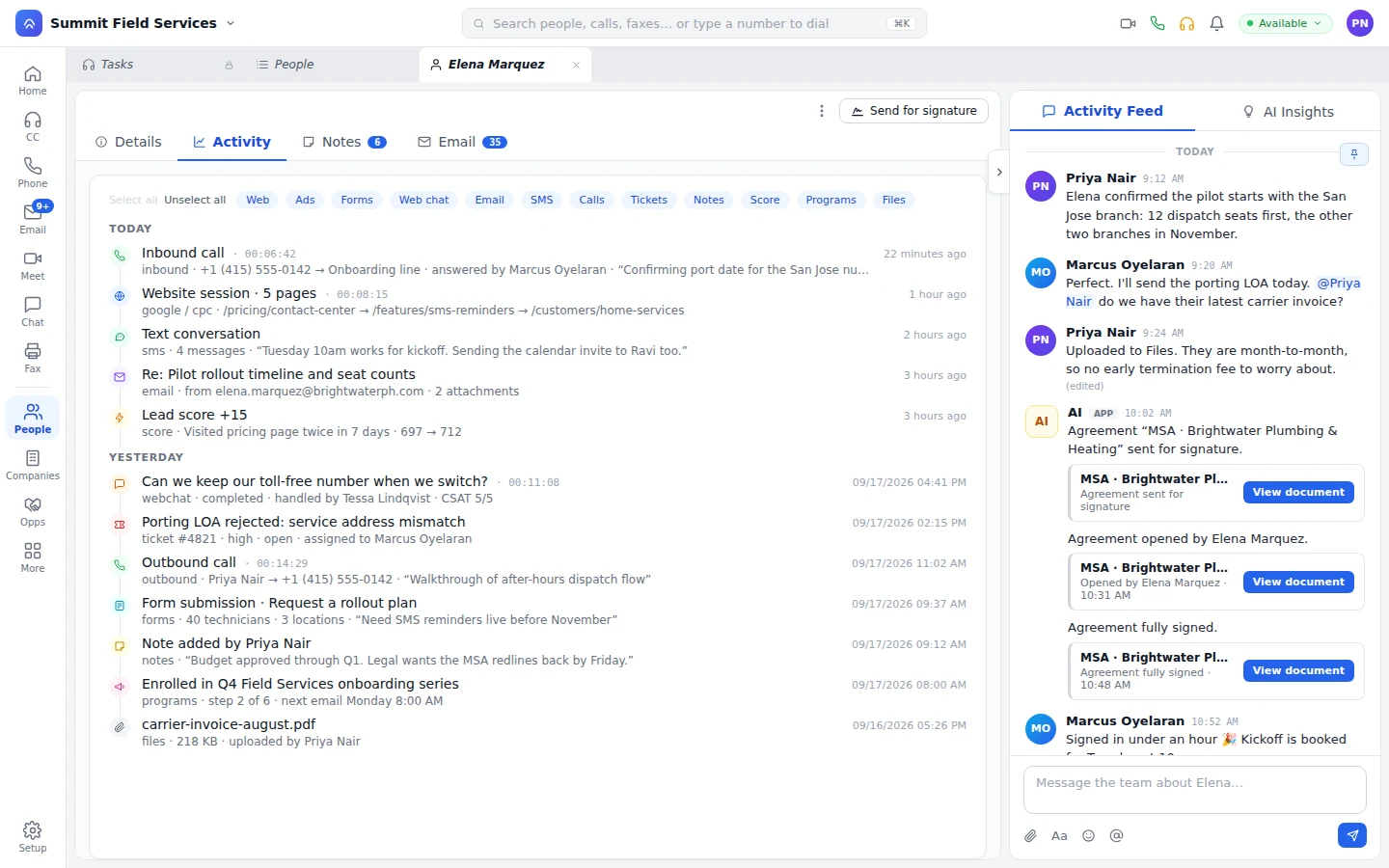
RoutingInbound fax lands in the queue like a call, and a workflow files it. Intake forms skip fields already on the record, consent goes out for e-signature, and every location’s calls and notes sit on one patient.
Unbound sits beside your EHR, not inside it.
It’s the phone, queue, text, fax, and bot layer your staff work in. Workflows connect it to your scheduling tool, so a bot or a front desk moves an appointment while the patient’s still on the line, and reminders go out from the number patients already call. It’s covered by SOC 2 and HIPAA, and staff and bots see only what their role allows.
Yes. Unbound covers HIPAA and SOC 2. Patient calls, messages, and files are encrypted in transit and at rest, access is set by role, and changes are logged.
It follows the escalation rule you set and hands the call to a person, such as the on-call line, with the transcript and the record attached. The patient doesn’t have to repeat anything.
Yes. Bot conversations sit on the task with their transcripts, under your media policy. Managers can listen along while a call’s happening, grade it on the scorecard your staff get, and take over whenever they choose.
Unbound isn’t an EHR, so it works beside yours. Workflows connect it to your scheduling tool, so appointment changes made on a call reach the schedule without re-typing.
Open a free 30-day account with sample data, send one office’s after-hours calls to a bot, and read what it resolved before the doors open.