Meetings that end with notes on the customer.
You get a personal room that's ready whenever you are. Schedule, send a link, and meet in HD from any device, with screen share, live transcription, translation, and chat inside the meeting. When it's over, the summary goes to the customer it was about.
100+ countries · Cloud, hybrid, or onsite · 1 to 1,000 seats
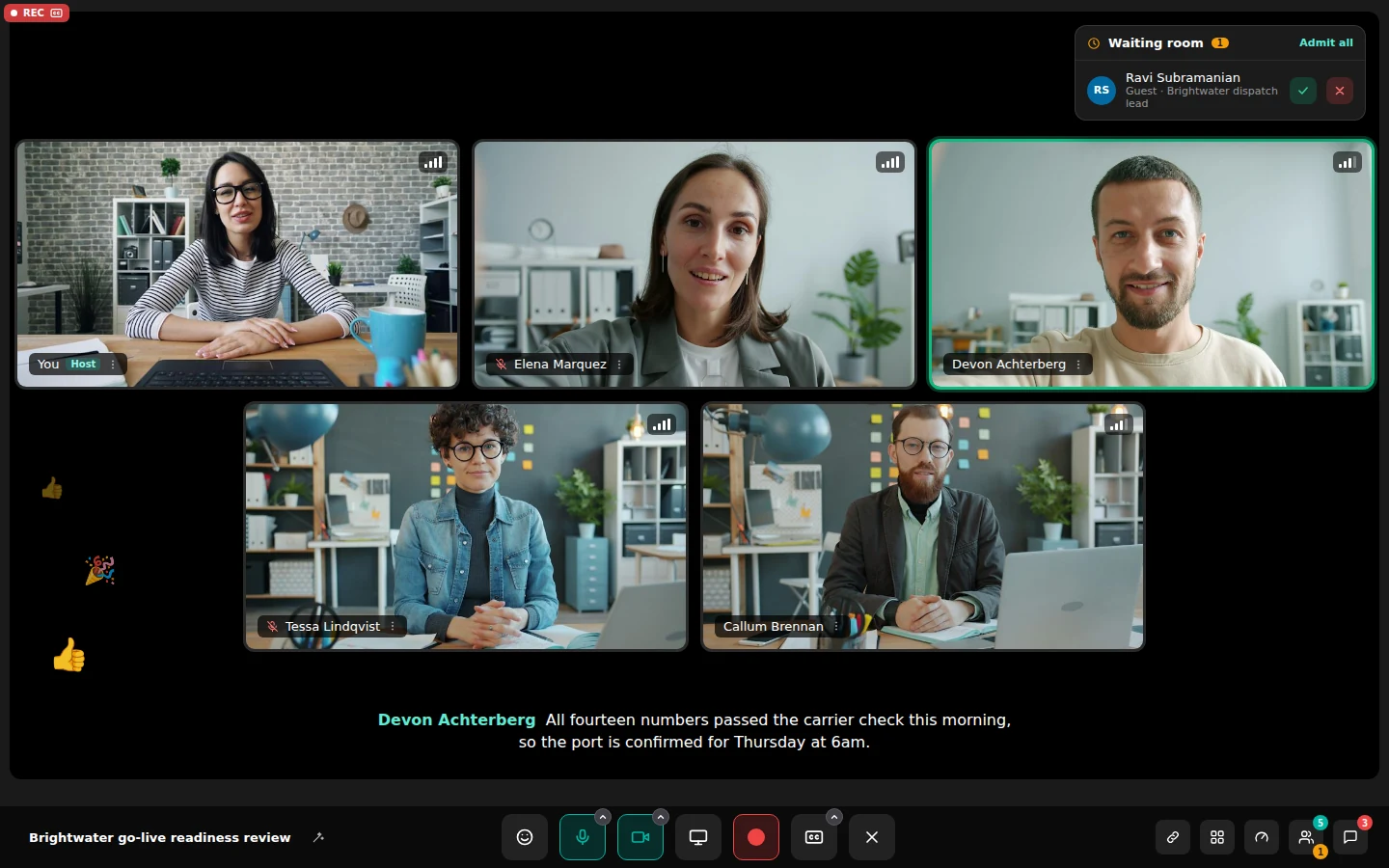
Your room is always ready. Start now or send the link.
Everyone gets a personal room with a link that never changes. Start now, schedule for later, or paste a link or room code to join someone else's.
- Schedule. Schedule from the hub and see today's meetings on one timeline.
- Calendar. Connect Google Calendar and those meetings show up in the hub beside the ones you set up in Unbound.
- From chat. When typing isn't enough, the people talking about a customer can go face to face straight from their channel.
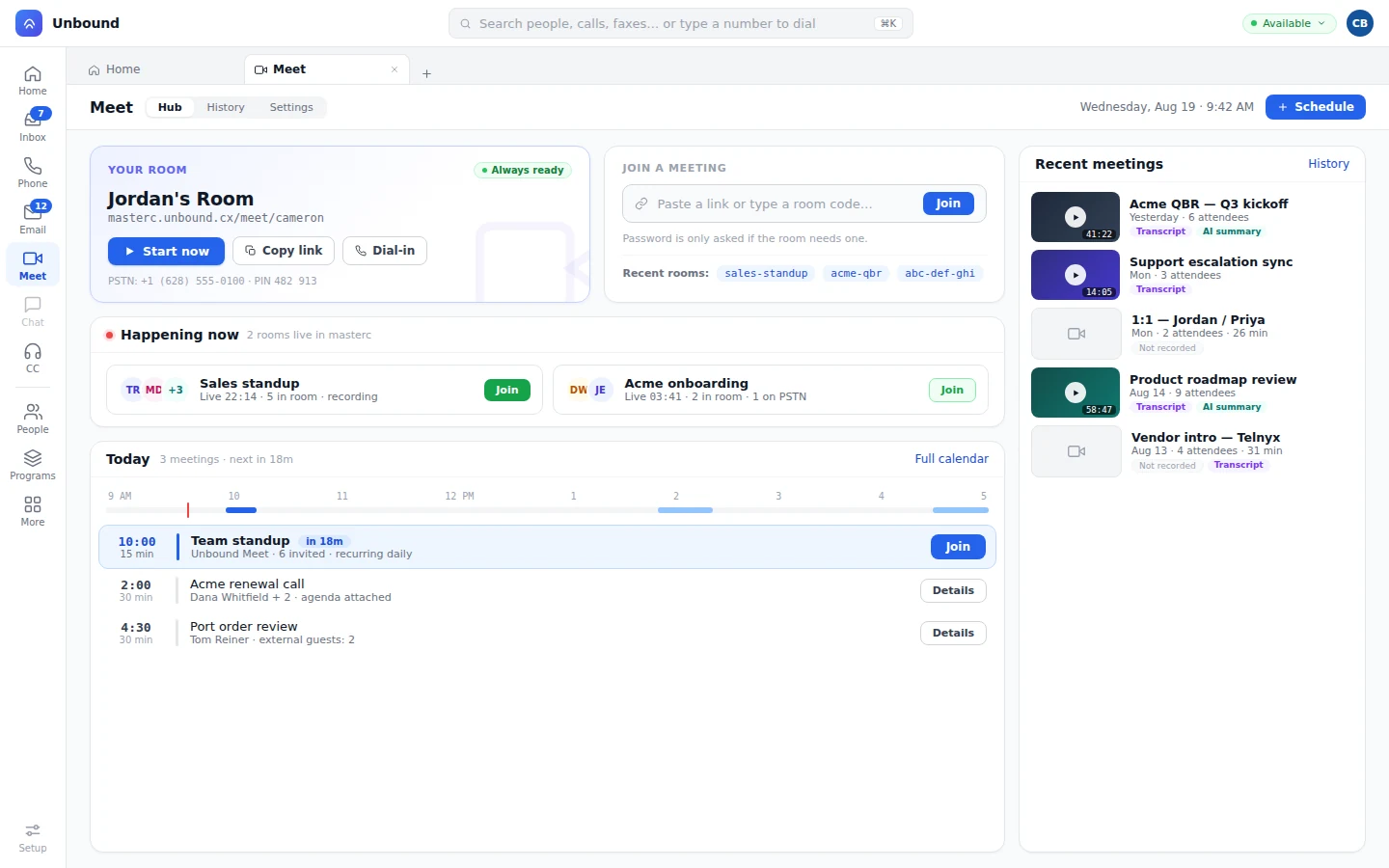
HD video, live transcription, and translation, on any device.
HD video and audio, screen share, live transcription, real-time translation, and in-meeting chat, on the same login as your phone and chat. The transcript and the summary know which customer and which deal the meeting was about, because the meeting runs on the same platform as the record. The moment you join, your status says In a meeting.
- HD video and audio.
Crisp video and clear audio that hold up on a busy connection.
- Screen share.
Show the screen, the proposal, or the record everyone is talking about.
- A live transcript.
Transcribed as it happens, and kept with the meeting in your history.
- Real-time translation.
Each person follows along in their language, in the same room.
- Chat inside the meeting.
Drop the link, the number, or the file without leaving the call.
- Any device.
Mac, Windows, iPad, iPhone, and Android. Guests join from a link in the browser.
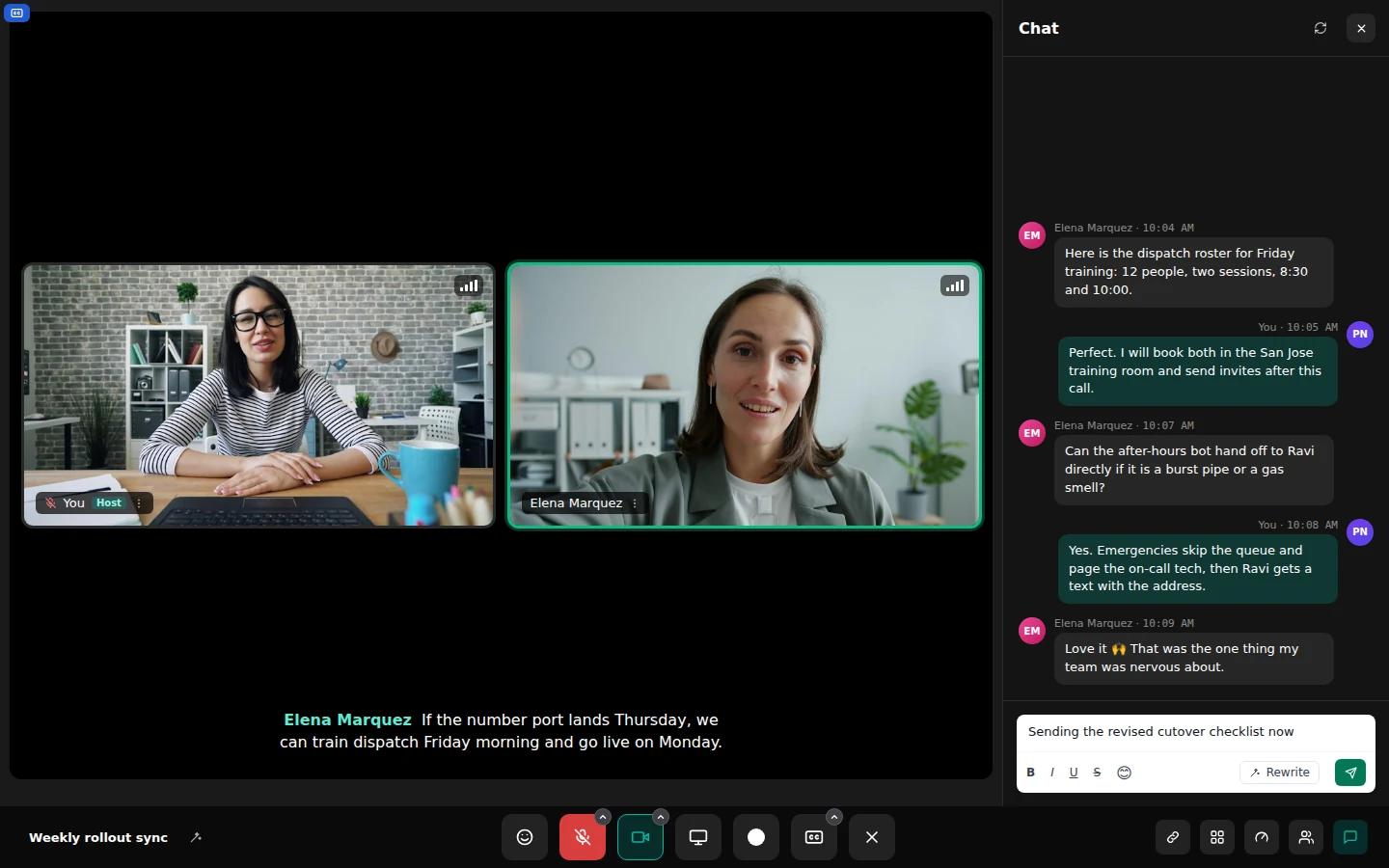
See which rooms are live and join from the hub.
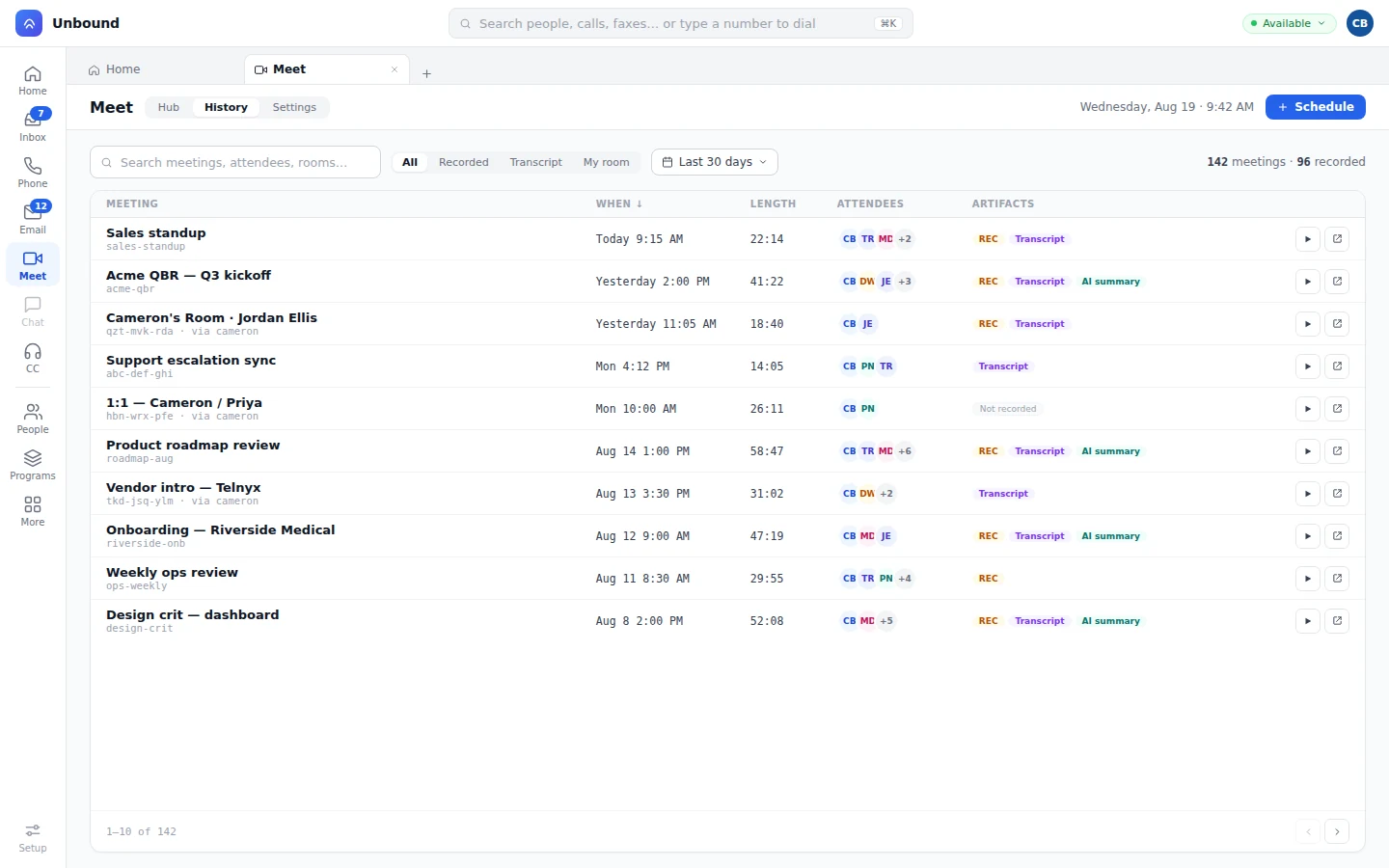
You can see who's in which room right now and join without hunting for the invite. Past meetings keep their transcripts and summaries, and they show up in Recents beside your calls and texts.
The summary lands on the customer thread, not an inbox.
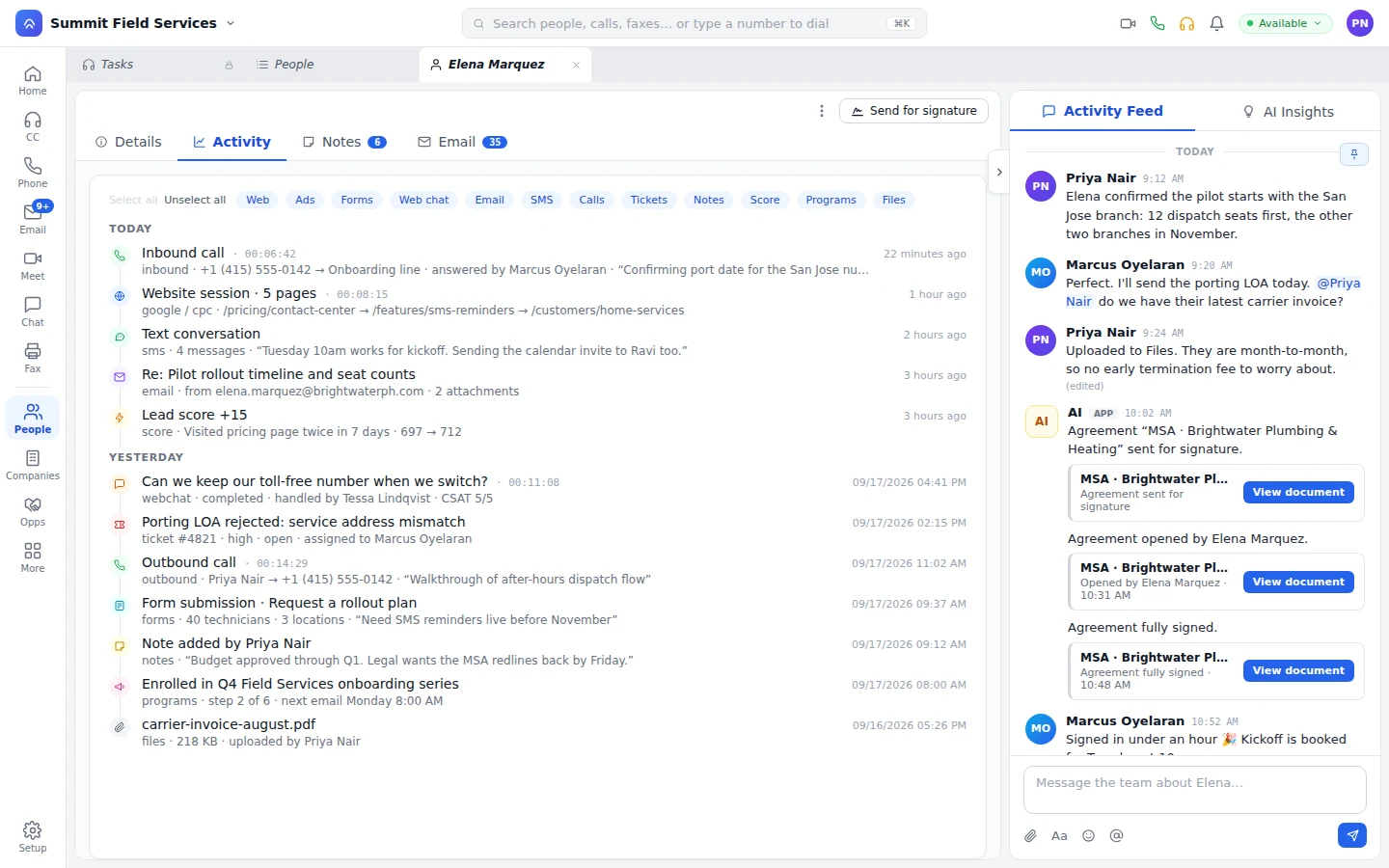
Hang up on a customer meeting and the summary's waiting in that customer's chat thread, with the notes on their record.
- Record. Decisions and open items sit on the customer's timeline, next to the calls and messages about them.
- Knowledge. You choose which meetings the knowledge base learns from. The rest stays out of it.
A bot writes the summary and the notes from the meeting, so everyone in the room can pay attention to the customer. It's filed before anyone would've opened a blank document. How bots are set up and supervised
What people ask about Meet.
Who writes the meeting summary?
A bot writes it from the meeting itself, then shares it with your team on the customer's thread.
Do we need a separate meeting app?
No. Meet runs inside Unbound on Mac, Windows, iOS, and Android, with the same login and presence as your phone, chat, contact center, and CRM.
Does Meet transcribe and translate?
Yes, live, while you talk. The transcript stays with the meeting in your history.
Can we see our calendar meetings in the hub?
Yes, once you connect Google Calendar.
Hold your next customer meeting in your own room.
Your trial has sample data loaded. Start your room, invite a teammate, and when you hang up, find the summary on the customer thread.