Softphone and apps
Mac, Windows, iOS, and Android.
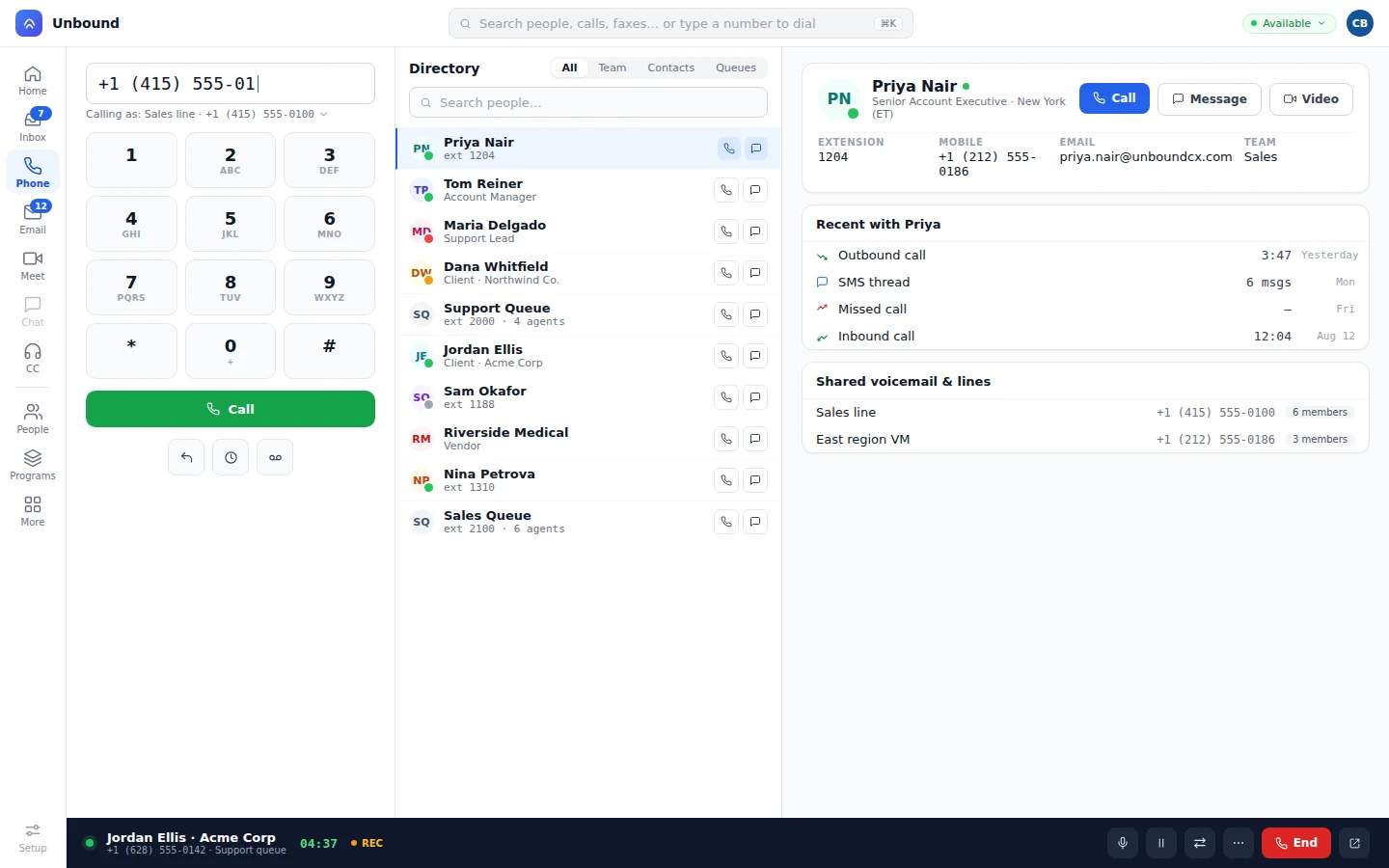
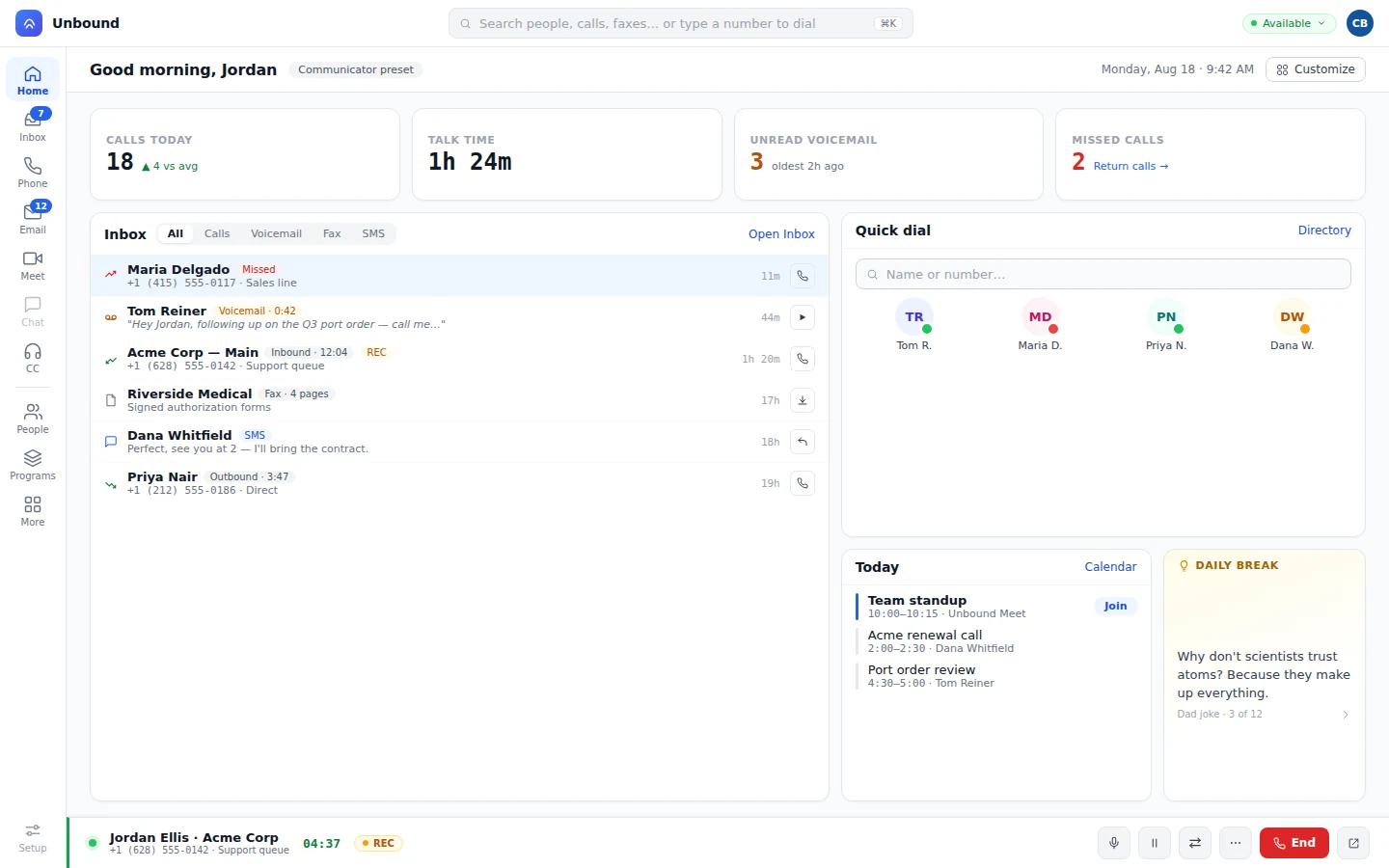
Pick the line you're calling as, choose the country, and dial. The apps carry the whole phone: directory, recents, voicemail, and the customer record.
Your team gets the softphone, desk phones, and native apps on one number, with the directory, the queues, and your customers built in. Call someone from their record and it's saved to their timeline.
100+ countries · Cloud, hybrid, or onsite · 1 to 1,000 seats
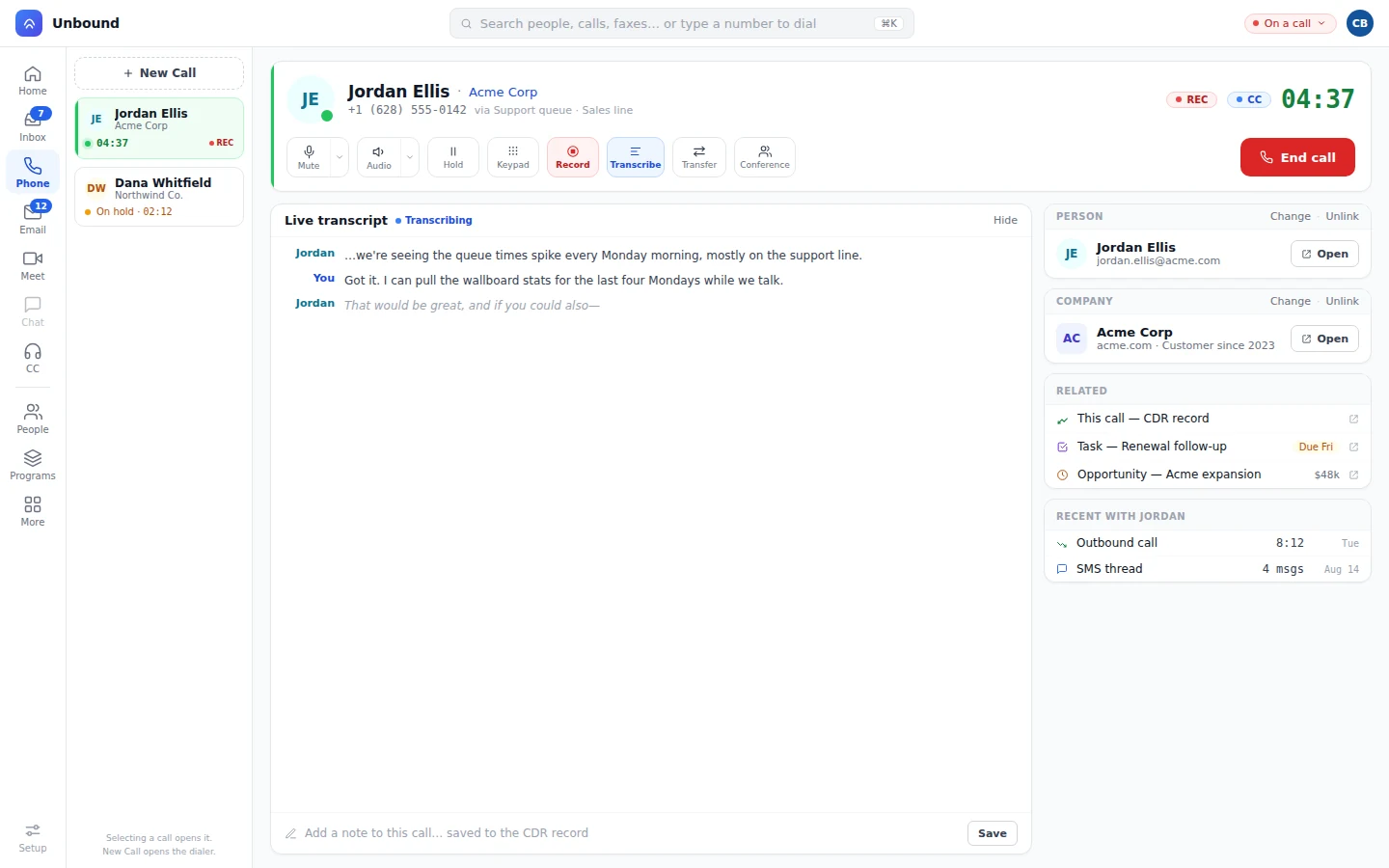
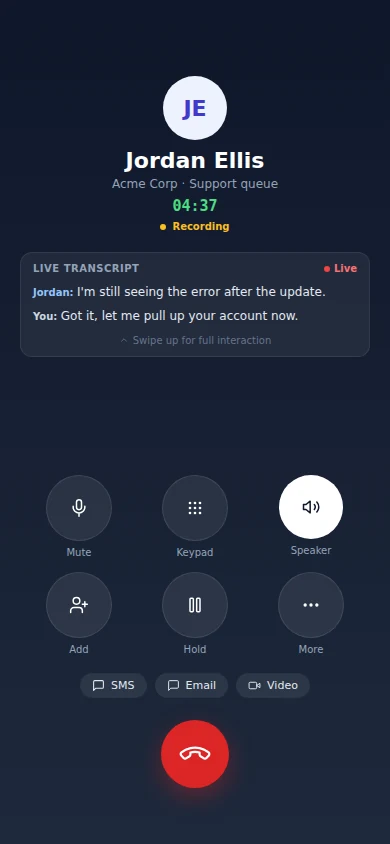
Desk phones, the softphone on Mac and Windows, and the iPhone and Android apps all ring the same extension, and each one has the full phone.
Pick the line you're calling as, choose the country, and dial. The apps carry the whole phone: directory, recents, voicemail, and the customer record.
Register SIP desk phones and hand out extensions in Setup. They ring right alongside the softphone and the apps.
Whoever's at the front desk can tell at a glance who's on the phone, and shared lines show up on the phones you pick. On a Yealink or Poly desk phone, each line key can place outbound calls under its own caller ID.
Port them from Setup and they call in 100+ countries. Every number texts too, even while you're on a call: send the address, the link, or the photo from the call screen and the text goes out from the number the customer already has.
One search finds your favorites, teammates, customers, and queues. Phone numbers on people, companies, and deals are call buttons.
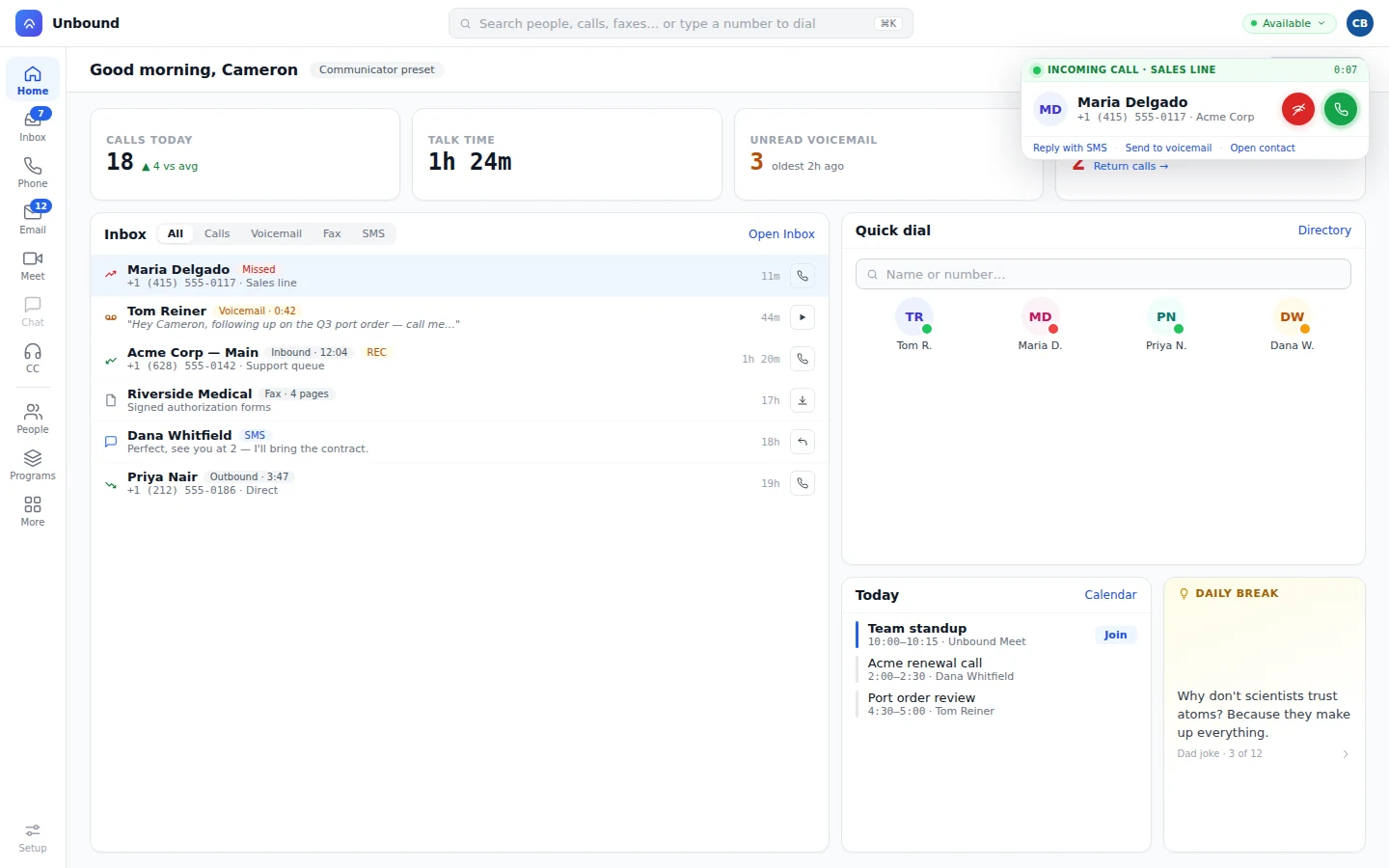
Text from your own number, mid-call or after, and the thread stays with the call on the customer's record. Voicemail shows up transcribed in your inbox beside calls, texts, and faxes, and a copy goes to email. A missed call waits under Return calls on the dashboard until someone calls back.
Stuck on a call? Ask for help, and a named specialist, anyone with the right skill, or whoever's free joins the line.
Live transcription and real-time translation run the whole time you talk.
Put a bot on the main number in a workflow. It looks the caller up by their number, greets them by name, and answers the question or books the appointment. When it can't finish, it transfers the caller to a person along with everything they've already said.
How bots are set up, watched, and scored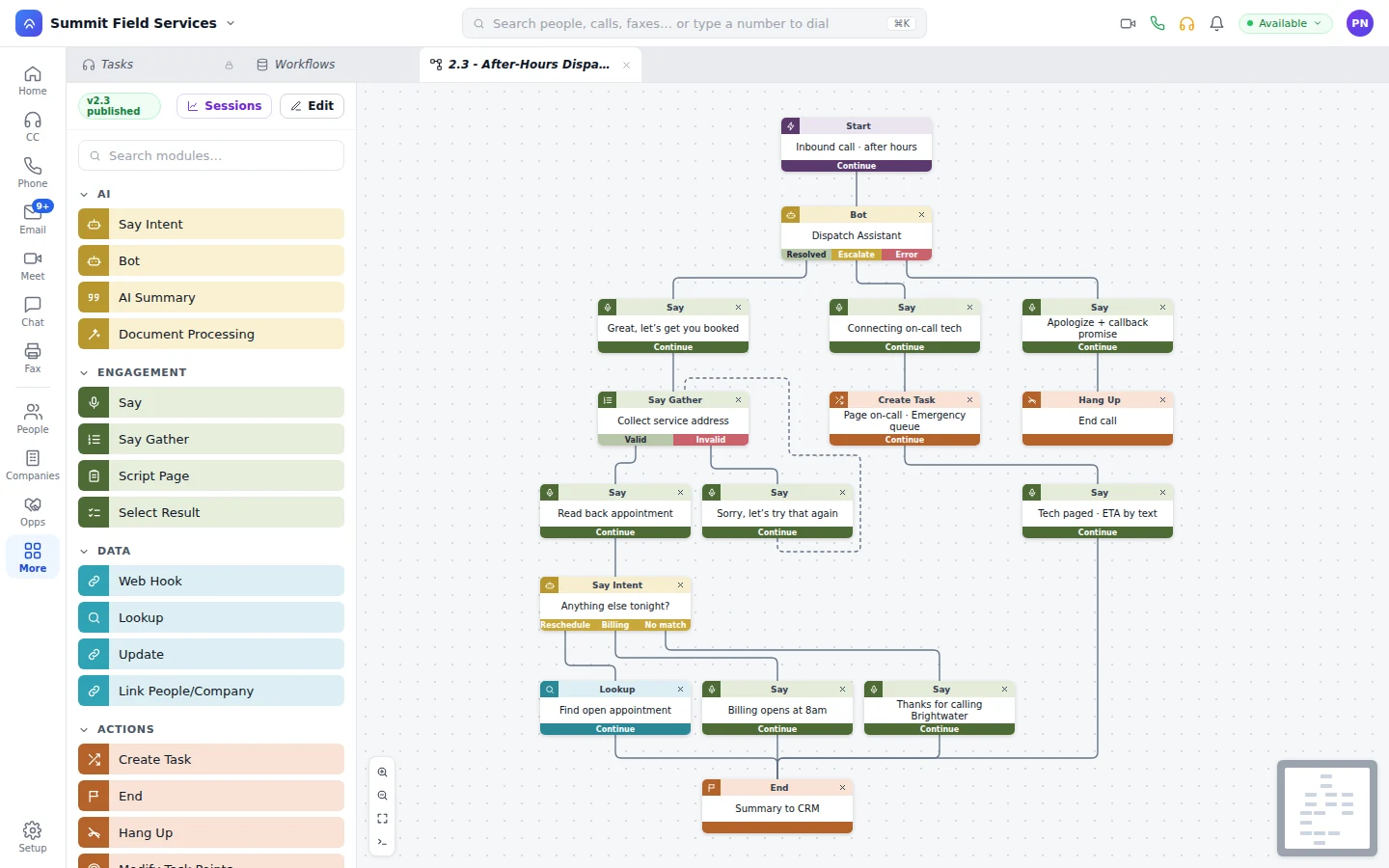
Yes. You draw the call flow with a bot step in it, and you decide where the call goes when the bot resolves it, escalates it, or hits an error.
Yes. They all ring the same extension, and each one gets the same features.
Yes. Port them from Setup and they'll ring on your desk phones, the softphone, and the apps.
Yes. Every number calls and texts, and you can send a text from the call screen without leaving the call. 10DLC and toll-free registration for texting sit in Setup beside the numbers.
Yes, transcript and all. Voicemail, faxes, and texts show up in the same history.
Start a 30-day trial with sample data already loaded. Call a teammate from the directory, ring a customer from their record, and read the transcript on the timeline.